
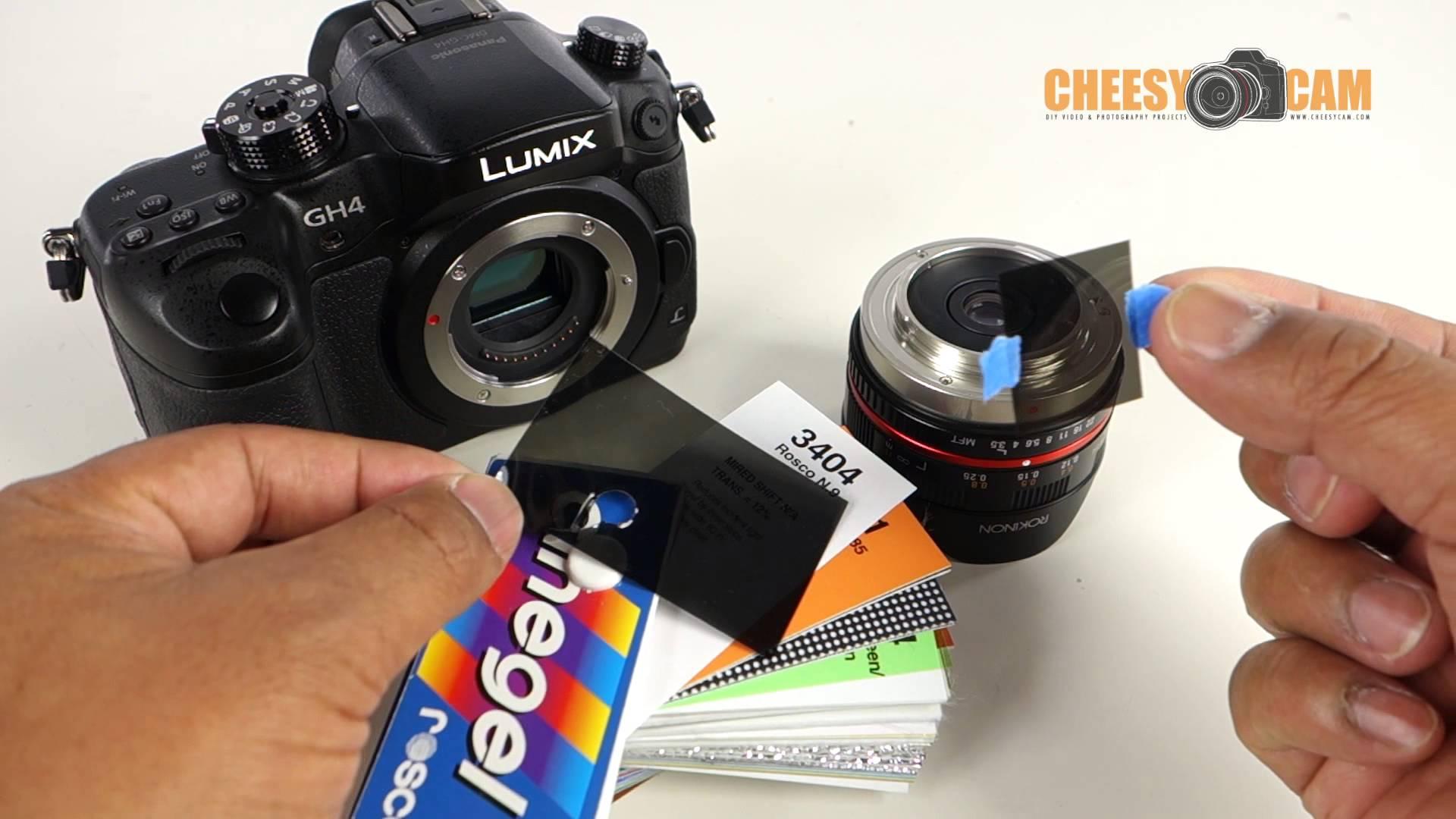
How to Use Camera Filters (ND / Polarizer) to Improve Outdoor Videography
Outdoor videography can present both exciting opportunities and unique challenges. The natural lighting, fast-moving clouds, and unpredictable weather conditions often require creative solutions. Camera filters, such as Neutral Density (ND) filters and Polarizer filters, are essential tools for capturing high-quality outdoor footage. These filters enhance image quality, help maintain optimal exposure, and reduce unwanted reflections. In this article, we’ll explore how to use ND and Polarizer filters effectively to improve your outdoor videography.
Understanding Camera Filters
Before diving into how to use ND and Polarizer filters, let’s first understand what these filters are and how they work.
What is an ND Filter?
A Neutral Density (ND) filter reduces the amount of light entering your camera lens without affecting the color of the image. Essentially, it allows you to use a wider aperture or slower shutter speed in bright conditions. ND filters come in different strengths, denoted by numbers like ND2, ND4, ND8, etc. The higher the number, the more light the filter blocks.
What is a Polarizer Filter?
A Polarizer filter helps control reflections and glare, especially when shooting outdoors. It can reduce unwanted light reflections from water, glass, or wet surfaces, providing richer colors and greater contrast in your images. Additionally, it helps saturate the blue skies and enhance the vibrancy of the overall scene.
Why Use ND and Polarizer Filters in Outdoor Videography?
Both ND and Polarizer filters can dramatically improve the quality of your outdoor videography. Let’s break down how each filter can enhance your shots:
The Role of ND Filters in Videography
When shooting outdoors in bright sunlight, you often face challenges with overexposure. By using an ND filter, you can reduce the light entering the camera and allow for longer exposure times. This effect is particularly useful in cinematic filmmaking, as it helps achieve that smooth, natural motion blur.
An ND filter is essential for balancing the exposure and achieving a shallow depth of field, even in well-lit conditions. This allows you to focus on your subject while keeping the background beautifully blurred, giving your footage a professional and polished look.
How Polarizer Filters Improve Image Quality
A Polarizer filter is crucial when capturing outdoor scenes with reflective surfaces like lakes, windows, or wet roads. Without a Polarizer, these reflections can wash out your footage and reduce the contrast in your shots. By using a Polarizer, you can eliminate these reflections and enhance the colors in your video, making skies bluer, grass greener, and water more transparent.
Polarizers are particularly effective in landscape videography, where rich, vibrant colors are essential. Whether you’re filming in a forest, near a body of water, or on a bright, sunny day, the Polarizer filter ensures your colors pop and your footage looks crisp.
How to Use ND Filters in Outdoor Videography
Now that we understand the benefits of ND filters, let's look at how to use them effectively in outdoor videography.
Choosing the Right ND Filter Strength
ND filters come in various strengths, each designed to reduce the light by a specific number of stops. The key to using ND filters is selecting the right one based on the lighting conditions and your desired effect. Here's a simple guide:
-
ND2 Filter: Reduces light by one stop. Ideal for slightly overcast days or when shooting in mild sunlight.
-
ND4 Filter: Reduces light by two stops. Perfect for shooting in bright daylight.
-
ND8 Filter: Reduces light by three stops. Great for very bright conditions, like midday sun.
-
ND16 Filter: Reduces light by four stops. Use in extreme daylight situations, especially when trying to achieve a shallow depth of field.
Achieving Cinematic Motion Blur
A key benefit of using an ND filter is the ability to achieve cinematic motion blur. For example, a typical cinematic frame rate is 24fps (frames per second), and to achieve natural motion blur, you need to use a shutter speed of 1/48th or 1/50th of a second. However, in bright sunlight, this shutter speed might cause overexposure.
Using an ND filter allows you to maintain this slower shutter speed while preventing the exposure from blowing out. This gives your footage that characteristic, soft motion blur often seen in movies.
How to Use Polarizer Filters in Outdoor Videography
Using a Polarizer filter is straightforward, but it requires a bit more attention to detail compared to ND filters.
Adjusting the Polarizer for Maximum Effect
A Polarizer filter works by rotating the filter until you achieve the desired effect. When you rotate the Polarizer, you’ll notice a change in the sky’s saturation and the reduction of reflections on wet surfaces. Here are some tips for using the Polarizer effectively:
-
Rotate for the Best Effect: Hold the camera up to your eye and rotate the filter while observing the changes in your viewfinder or LCD screen. The best results occur when the reflections are minimized, and the colors are at their most vibrant.
-
Avoid Using the Polarizer at Wide Angles: Polarizers are most effective when used at a 90-degree angle to the sun. Using it at extreme wide angles (like shooting directly into the sun) can cause uneven polarization, leading to unnatural results.
Using Polarizers for Outdoor Landscapes
If you’re filming a landscape, a Polarizer will make a huge difference. It will intensify the blue of the sky, reduce haze, and help you capture vibrant foliage and water bodies with clarity. Whether you’re shooting a serene lake or a dense forest, the Polarizer filter ensures that every detail is crisp and clear.
Combining ND and Polarizer Filters for Maximum Impact
While ND and Polarizer filters can be used individually, combining both can enhance the results even further. Here’s how they work together:
-
ND Filter for Exposure Control: Use the ND filter to control exposure and maintain a proper shutter speed.
-
Polarizer for Reflection and Color Control: Use the Polarizer to manage reflections and boost color saturation.
By stacking the two filters, you can achieve professional-quality footage that’s both well-exposed and visually rich.
Practical Tips for Using Camera Filters
Here are some practical tips for getting the best results with ND and Polarizer filters:
-
Avoid Using Filters in Low Light: ND filters are designed for bright outdoor conditions, so avoid using them in low-light environments.
-
Stack Filters Carefully: If you decide to stack both ND and Polarizer filters, be mindful of potential vignetting (dark corners). Use slim filters or test the setup before shooting.
-
Regularly Clean Filters: Keep your filters clean to avoid dirt and smudges that could negatively impact image quality.
Conclusion
Camera filters like ND and Polarizer filters are invaluable tools for outdoor videography. ND filters allow you to control exposure and achieve cinematic effects, while Polarizer filters help reduce reflections and enhance colors. By understanding how to use both filters effectively, you can elevate the quality of your outdoor footage and capture stunning, professional-grade videos.
If you’re looking for high-quality camera gear and accessories, consider checking out a trusted camera shop in Lahore for the latest products. Whether you need a microphone for a podcast or equipment for your next outdoor shoot, Hope Enterprises offers a wide selection that meets all your videography needs.

 English
 Magyar
 Arabic
 French
 Spanish
 Portuguese
 Deutsch
 Turkish
 Dutch
Dutch
 Italiano
 Russian
 Romaian
 Portuguese (Brazil)