
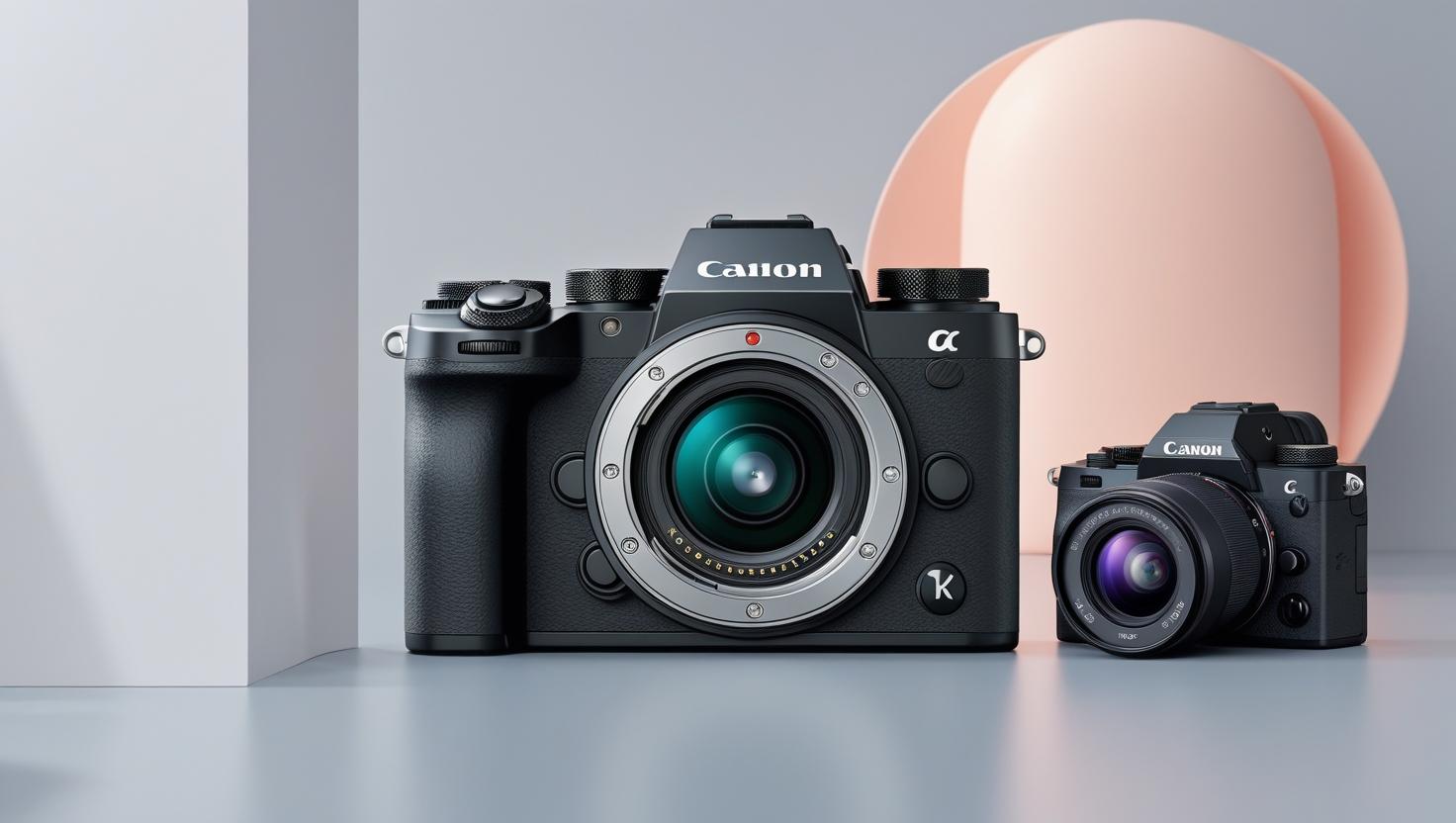
Why Is My Mirrorless Camera Overheating During Long Video Shoots?
Mirrorless cameras have become the top choice for videographers, YouTubers, filmmakers, and content creators because they offer exceptional video quality, portability, and modern features. However, one common issue users face—especially during extended filming sessions—is overheating. If you're shooting 4K, recording long interviews, or capturing outdoor content under harsh sunlight, the camera may shut down or display temperature warnings. This problem can interrupt your workflow, damage footage, and cause unnecessary frustration during professional shoots.
Understanding why mirrorless cameras overheat and how to prevent it is essential for anyone who relies on their gear. As a distributor working closely with professionals, Hope Enterprises frequently encounters creators looking for solutions to this problem, especially those using compact hybrid cameras for long-form shooting.
In this guide, you'll learn the real reasons your camera overheats, how to prevent it, and when to consider external accessories to maintain consistent performance.
Why Mirrorless Cameras Overheat: The Real Reasons
Unlike DSLRs that have more internal space and optical viewfinders, mirrorless cameras rely heavily on sensors and processors operating inside compact bodies. That means heat has less room to dissipate, especially during tasks that push hardware to the limit.
1. High-Resolution Recording Generates More Heat
Recording in 4K or higher places tremendous pressure on the image sensor and processor. When shooting 4K60, 4K120, or 10-bit footage, the internal components work overtime, causing temperatures to spike. Even with built-in heat dissipation systems, long-duration high-resolution recording often triggers overheating warnings.
2. Small Body Design With Limited Ventilation
Mirrorless cameras are designed to be lightweight and portable. But compact bodies naturally trap heat. Unlike cinema cameras, there are no fans or large heat sinks, so continuous shooting in warm environments can quickly heat up the internal components.
3. Direct Sunlight and Outdoor Recording
If you frequently shoot outdoors, especially in Pakistan’s summer heat, direct exposure to sunlight can drastically worsen overheating. Even recording indoors near a window can elevate internal temperatures. Combined with sensor load, sunlight speeds up the overheating process.
4. Long Recording Times Without Breaks
Continuous long recordings, such as podcasts, interviews, or event coverage, can overwhelm the camera’s thermal system. Many hybrid mirrorless cameras are optimized for shorter video clips, not extended documentary-type work.
5. In-Body Stabilization (IBIS) Adds Thermal Load
Many creators love IBIS because it improves handheld footage. However, IBIS systems constantly move the sensor to steady the image, generating additional heat. When combined with 4K recording, overheating becomes far more likely.
6. Battery Heating During Use
Batteries naturally heat up during intensive operation. When the battery chamber is close to the processor (common in mirrorless systems), heat transfers internally, accelerating shutdowns.
Practical Ways to Prevent Camera Overheating
While overheating can interrupt a professional shoot, it’s entirely manageable with the right practices. Applying simple adjustments can significantly extend recording times and improve overall performance.
1. Reduce Video Resolution or Frame Rate When Possible
If your project doesn't require 4K60 or 10-bit recording, consider shooting in 4K30 or 1080p. This reduces processor load and extends recording time, making the camera far less likely to overheat during long sessions.
2. Use Shade and Avoid Direct Sunlight
Filming in shaded areas or using a small umbrella, reflector, or overhead diffuser helps keep the body temperature manageable. Even slight shade can make a big difference in thermal performance during outdoor shoots.
3. Keep the LCD Screen Pulled Out
Many users don’t realize that keeping the screen closed traps heat against the camera body. Pulling it outward allows warm air to escape and reduces overall temperature buildup during long shoots.
4. Take Scheduled Breaks Between Clips
If you're recording extended interviews, consider breaking them into smaller segments. This allows the camera to cool down naturally without interrupting your workflow too much.
5. Use External Power Instead of Internal Batteries
External battery solutions generate significantly less heat compared to internal batteries. USB-C PD power banks or AC adapters keep the camera powered while reducing internal temperature.
6. Add an External Fan or Cooling Accessory
Compact cooling fans designed for mirrorless cameras clip onto the camera body and push heat away from the sensor and processor. These accessories help creators who regularly shoot 4K or log footage during long sessions.
7. Avoid Overusing IBIS if Not Required
If your camera is mounted on a tripod or gimbal, IBIS is not necessary. Turning it off reduces background heat inside the body.
8. Use Efficient Audio Accessories
Creators often pair external mics, recorders, or wireless systems with their cameras. Choosing efficient gear matters. For example, when working outdoors where wind noise can force you to repeat shots, some creators refer to techniques described in a guide related to noise cancellation tips outdoor audio recording which helps reduce retakes, minimizing unnecessary camera overheating.
What Happens If You Ignore Overheating?
Continuing to push your camera beyond its safe temperature limits can cause long-term issues such as reduced sensor performance, frame drops, corrupted video files, and even permanent hardware damage. Manufacturers implement auto shutdown to protect the internals, so it is essential to take the warnings seriously.
Ignoring these signs also reduces battery health and accelerates wear on essential components, which is costly for professionals who rely on reliable gear for client work.
When to Upgrade or Add Better Gear
Sometimes overheating becomes a consistent issue because the camera model isn't optimized for high-demand video use. In these cases, adding accessories or upgrading becomes necessary.
Many creators visit the camera market Lahore to understand which models handle long-duration recording better or to compare cooling accessories, power systems, and external recorders. Understanding the strengths of each model helps prevent future overheating issues.
Hope Enterprises: Supporting Content Creators With Reliable Solutions
As Pakistan's trusted distributor of cameras, lenses, audio gear, and professional equipment, Hope Enterprises has spent decades helping filmmakers and content creators choose the right tools for uninterrupted performance. Whether you need microphones, cooling solutions, or more efficient mirrorless systems, having expert guidance ensures your workflow stays smooth.
Our experience with brands like Sony, Sigma, Audio-Technica, Saramonic, and Hollyland gives creators confidence that they're selecting durable, reliable equipment fit for professional use.
Final Thoughts
Camera overheating isn't necessarily a flaw—it's a natural limitation of compact, high-performance mirrorless systems. Understanding what causes the issue and applying the right preventive techniques can drastically improve video recording time. Whether you shoot documentaries, podcasts, or TikTok videos, managing heat is key to consistent, high-quality results.
By pairing good recording habits with the right accessories, creators can avoid shutdowns and enjoy smooth, uninterrupted filming anywhere—from outdoor locations to professional studios.

 English
 Magyar
 Arabic
 Spanish
 Portuguese
 Deutsch
 Turkish
 Dutch
Dutch
 Italiano
 Russian
 Romaian
 Portuguese (Brazil)
 Greek
Greek